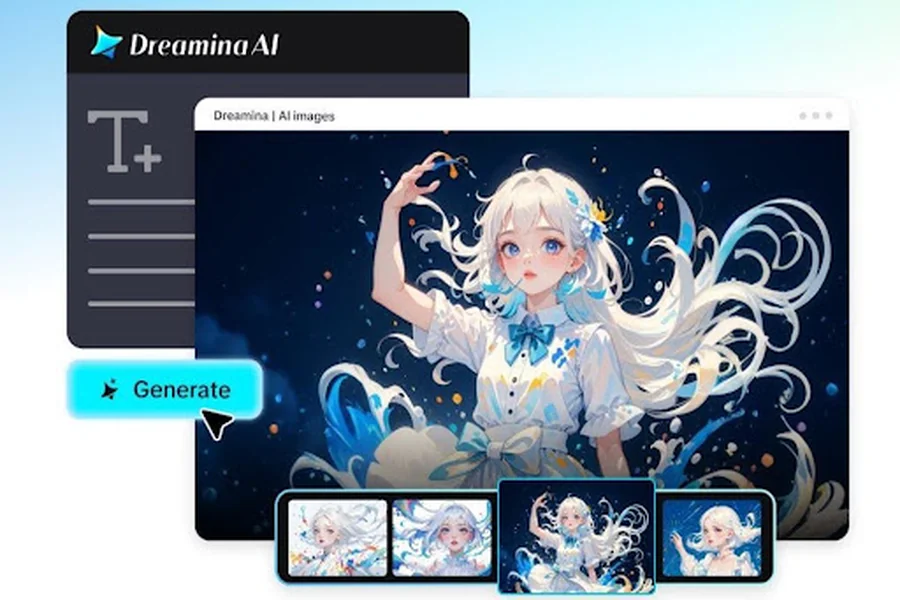
Sponsored content is the ability to align brand messaging with creative storytelling to get people’s attention. But it takes ongoing creativity to come up with new ideas for various products and promotions. Creators need to consider aspects of product visibility, brand identity, and engaging visual presentation. Dreamina combines image generation, video creation, and photo editing in a single creative platform. It features tools to convert product references and written instructions into promotional images and videos. In this article, sponsored post formats, creative planning, and visual content development are examined. It also outlines ways for creators to convert campaign concepts into marketing tools.
Understand What Makes a Sponsored Post Concept Visually Compelling
A good sponsored post ties in the product’s function with an obvious concept. All elements of a visual presentation should reinforce the message, but not distract viewers from the advertised product. Firstly, you need to determine the primary advantage of the product and the customer’s possible interests. Next, create a visual theme with colors, settings, lights, and composition that is recognizable. The promotional message is introduced with a strong opening visual, and viewers are encouraged to explore further. Product placement is also important, as people should be able to see the advertised product straight away. Static graphics convey promotional information via photos, typography, and the thoughtful placement of elements. There is movement, demos, transitions, and storytelling by the presenter in short-form videos. Product images, advertising videos, templates and reusable references are all provided by Dreamina’s Marketing Studio to support these creative directions.
Explore Sponsored Post Formats That Creators Can Develop
There are various types of sponsored posts that enable creators to showcase products in different ways. Choosing the right format will depend on the goals of the campaign, the nature of the product, and audience expectations. When creating promotional material, think about these creative ideas:
- Product Reveal Posts: Dramatically reveal new products with close-ups, dramatic lighting, and engaging visual compositions.
- Everyday Routine Content: Use products in familiar settings, like morning routines, workplaces, fitness activities, and more.
- Include Feature Highlight Posts: Highlight specific product features with targeted compositions, demos, and illustrations.
- Creator-Style Demonstrations: Create videos with an avatar to introduce products with conversational presentations and simulated demonstrations.
- Seasonal Promotional Posts: Link products to celebrations, seasonal activities, holidays, and relevant shopping events.
- Aesthetic Product Showcases: Focus on product shots by using interesting backgrounds, lighting, and styling.
Convert a Brand Brief into a Clear Creative Direction
A brand brief is the basis for creating relevant sponsored content. Find out the main function of the product and what the campaign needs to say. Identify key information such as promotional information, colors, audience characteristics, and visual references. Then, decide if the idea will need an image, poster, or promotional video. Create a visual hook to the product that has the promise of the major benefit, but not overpromising the product. Convert this concept into concrete creative directions for the setting, composition, light, and positioning of the product. Clear prompts help to create more direction and minimize “trial and error”. Ensure that some “campaign requirements” are kept “visible” during development to ensure consistency between the concept and the final asset.
Draft Sponsored Post Ideas as a Creator in an AI Marketing Studio
Step 1: Add your sponsor’s product and pick a presenter
- Sign up or log in to Dreamina to start drafting your sponsored post ideas today.
- Next, open “Marketing Studio” on the left bar to find all of your creator tools.
- Choose “AI video” for reels, “AI image” for posts, or “AI agent” for both formats.
- In “AI video”, select “Change style” to match the specific style of your own channel.
- Click “Product” to upload the sponsor’s photo, then click “Avatar” to bring in a presenter. You can also choose from the library of existing products and avatars for quick ideas.
- Write a prompt for the post’s look and feel; feel free to add custom direction.
Step 2: Set your format and generate the post draft
- Click the “Reference” tab to add a video guiding the AI on your post’s look.
- Choose a model for your sponsored draft from the available options in the model panel. Options include HappyHorse 1.1, Dreamina Seedance 2.5, Dreamina Seedance 2.0, Dreamina Seedance 2.0 Fast, Dreamina Seedance 2.0 Mini, Wan 3.0, and more.
- Select the custom “Aspect ratio” and “Resolution” tabs to fit your chosen social platform well.
- Click the “Duration” tab, then select a custom video length for your sponsored post idea.
- Use the option to mention or highlight the specific product within your sponsored video.
- Finally, click on the “Generate” tab to begin creating your very first sponsored post draft.
Step 3: Review, polish, and save your sponsored post
- Watch the finished video on full screen to judge how the post looks and feels. Check the product framing, the avatar’s delivery, and the pacing before sharing it with sponsors.
- If the results disappoint you, you can “Edit prompt” or “Regenerate” to refine them.
- You can also edit the video using the “Edit in canvas” option with full freedom. Here you can replace the background, add effects, crop the video, and polish your message.
- Once satisfied, click “Download” to save the video and share it across your marketing channels.
Generate Sponsored Post Ideas Using Different Creative Starting Points
Creatives can experiment to find new advertising ideas without having to stick with one production method. Use the marketing templates to get some ideas and visual instructions. Templates offer a basis for product ads, ecommerce graphics, and user-generated content styles. Or, add reference photos to help with composition, product placement, lighting, and appearance. Another good place to start is by watching reference videos to see advertising structures, transitions, and storytelling methods. Creators are also able to swap out products or presenters from relevant sources with their own resources. For original ideas, use AI Image or AI Video to describe the scene that you want to capture—using product references and detailed creative instructions to explore alternate visual treatments.
Match Sponsored Visuals with Different Social Media Placements
Social media placements vary in dimensions and how they are displayed. Vertical videos are ideal for short-form content; square images and landscape images are more suited to other placements. AI Image can generate additional posters, product images, and promotional photos. When setting up each composition, think about where the text needs to be, where the images are balanced, and where the products will be seen. It is essential that key promotional information is visible on various screen sizes. Localization tools can also be used to prepare localized image text and multilingual promotional videos. Check translated messages for accuracy and brand consistency before publishing. As sponsored assets, matching dimensions and visual hierarchy helps to communicate effectively across marketing channels.
Refine Sponsored Concepts Before Preparing the Final Content
Check all produced assets against the original product reference and campaign brief. Determine if the product has identifiable characteristics, color, size, and/or details. Determine if the visual concept clearly conveys the promotional message. Review the positioning of the avatars, background pieces, lighting, and overall visual consistency. Make changes to prompts when there are missing features or unwanted visual details in the output—recreate variations where different compositions would enhance presentation. Before exporting, verify the accuracy of text, framing, and platform requirements. Download only the finalized assets after checking they’re appropriate for the campaign.
Conclusion
Creating sponsored content takes careful thought, direction, and product presentation. Creators have the opportunity to experiment with various formats, visual references, and storytelling styles before committing to campaigns. Dreamina merges image making, video creation, and editing tools into a creative environment. It can handle product showcases, promotional graphics, and creator-style advertising videos. Combining original concepts with accurate product references helps develop engaging marketing assets.